Free OLED Gray Test Online Burn-In & Uniformity Checker
Detect hidden burn-in damage before it's too late. Our free OLED uniformity test and burn in checker reveals screen issues invisible during normal use. Test your TV, phone or monitor now - no download required.
- Results in 30 seconds
- 100% free forever
- No registration needed
- Safe for all OLED screens
As recommended by
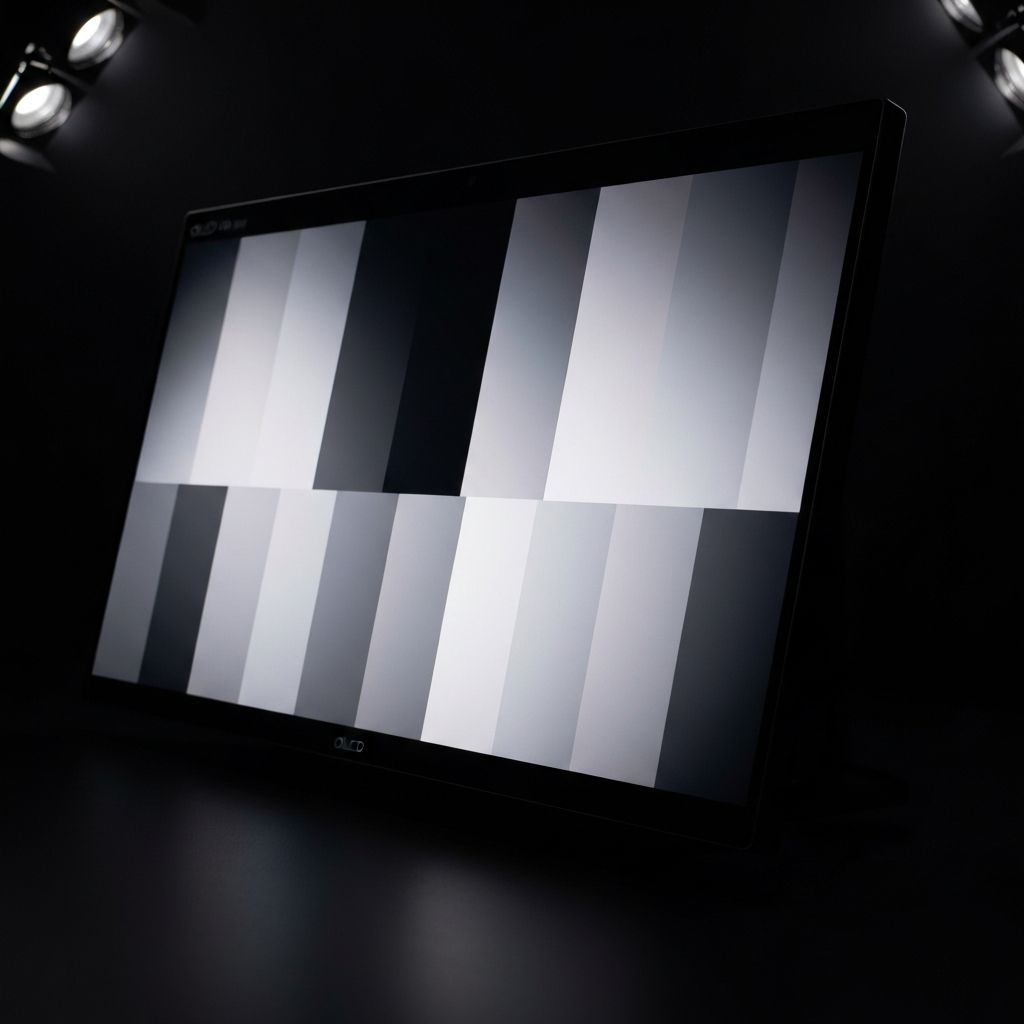
Start Your Free Test
Takes less than 30 seconds
Free OLED Gray Test for Burn-In and Screen Uniformity
Use our free online OLED uniformity test and burn in checker to detect screen damage. Adjust the gray level below and click fullscreen mode. Look for uneven patches, ghost images, or color variations on your display.
Tap for Fullscreen Mode
Best results in a dark room
Testing Tip: 50% Gray
Best for uniformity testing
Pro Tips for Best Results
- Test in a completely dark room
- Use fullscreen mode for accuracy
- Check all gray levels systematically
- Take your time at 5-25% gray levels
OLED Burn-In Checker and Screen Uniformity Test Guide
Welcome to the most comprehensive free online OLED gray test tool available on the internet. Whether you are concerned about potential burn in on your expensive OLED TV, checking your smartphone display, or evaluating a professional monitor, our burn in checker provides the diagnostic capabilities you need to assess your display health accurately and confidently - completely free of charge.
OLED (Organic Light-Emitting Diode) technology has revolutionized display quality with its perfect blacks, infinite contrast ratios, and vibrant colors. However, these self-emitting organic pixels can be susceptible to uneven degradation known as burn-in, making regular OLED test checks essential for anyone who has invested in premium display technology. Our tool helps you monitor and protect that investment.
Our free online OLED gray test provides professional-grade diagnostics covering all aspects of display quality, from perfect blacks to bright whites.
Identify screen burn-in and image retention issues early with our specialized burn in test patterns designed specifically for OLED technology.
No downloads or installations required. Start your OLED test immediately in your browser and get instant visual feedback on your display health.
Our burn in checker uses safe gray levels and brief exposure times that will never damage your screen. Test confidently without worry.
Complete a comprehensive screen test in under a minute. Our preset gray levels and auto-cycle feature make testing quick and thorough.
Run the same browser-based OLED gray test on compatible TVs, monitors, laptops, tablets and phones without installing an app.
What Is OLED Burn-In? How to Check Image Retention Online
OLED burn-in is a form of permanent image retention that occurs when static images are displayed on the screen for extended periods. This causes certain pixels to degrade faster than others, resulting in permanent ghost images or discoloration that remains visible even when viewing different content. Using a reliable burn in test regularly is the best way to catch problems early.
Unlike traditional LCD displays that use a backlight, each pixel in an OLED screen produces its own light through organic compounds. When the same pixels consistently display bright content while others remain dark or display different colors, these organic compounds degrade at different rates. This uneven degradation is what creates the burn-in effect that our free online OLED test is designed to detect.
Common causes of burn-in include news channel logos, gaming HUD elements, smartphone navigation bars, social media interfaces, and computer taskbars. For gamers and those who watch a lot of news or sports with static score displays, regular use of our burn in checker is especially important for monitoring display health.
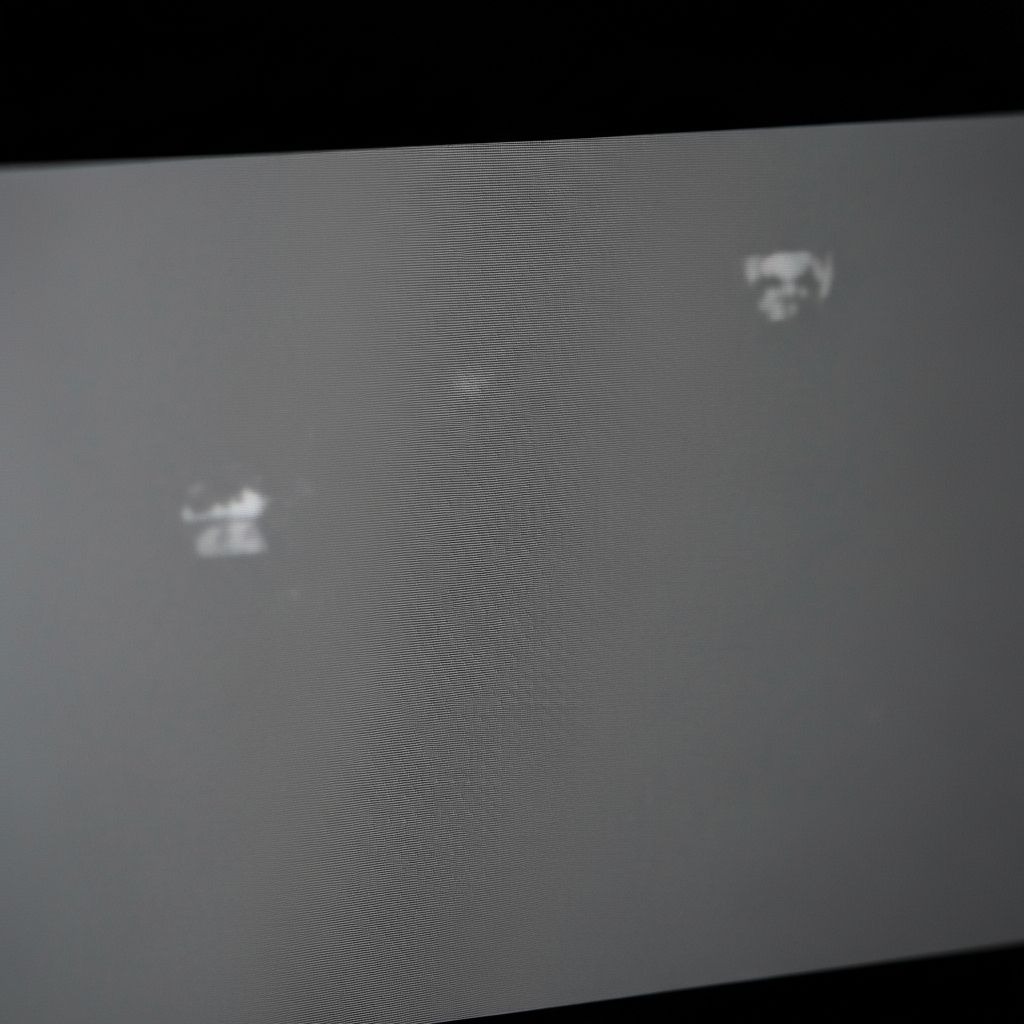
Burn-in Example
Ghost images of static content visible during OLED gray test
How to Use an OLED Gray Test for Burn-In and Uniformity
Follow these steps to perform a comprehensive OLED gray test and burn in check on your display
Select Gray Level
Use the slider or preset buttons to choose different gray levels for your burn in test. Start with 5-10% gray where burn-in is most visible, then work through all levels.
Enter Fullscreen
Click the test area to enter fullscreen mode. This eliminates browser elements and other distractions, providing an accurate OLED test environment for proper diagnosis.
Examine Your Screen
Look for any uneven patches, ghost images, or color variations. Use our burn in checker across multiple gray levels for thorough testing. A healthy display shows uniform color.
What to look for during your test
- 1Ghost images or outlines from static content like logos
- 2Uneven brightness or dark patches across the screen
- 3Persistent shadows visible on solid color backgrounds
- 4Color tinting or discoloration in specific screen regions
- 5Visible HUD elements from games when displaying gray
If you notice any of these signs during your OLED test, your display may have burn-in damage. Regular testing with our burn in checker helps catch issues before they worsen significantly.
Protect your OLED investment
- Vary your content and avoid static images for extended viewing
- Enable screen savers, auto-dimming, and pixel refresh features
- Reduce OLED brightness when displaying content with static elements
- Enable pixel shifting or logo dimming on compatible displays
- Run regular OLED test checks to monitor display health
Prevention is always better than cure. Combine these practices with regular free online OLED test checks to maintain your display health for years to come.
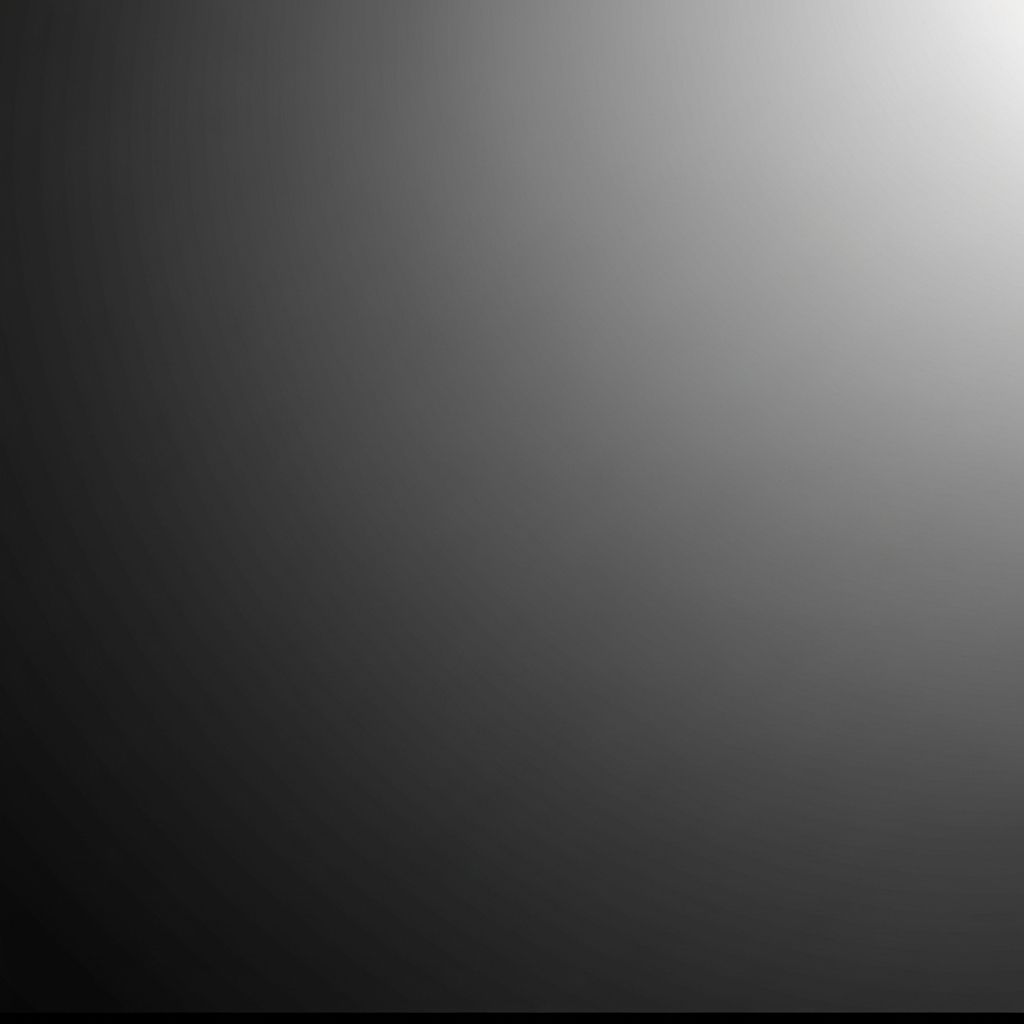
Free OLED Uniformity Test - Gray Uniformity & Screen Check
Our OLED gray test is not just a burn in checker - it is also a comprehensive OLED uniformity test for assessing overall display health. This free online uniformity test reveals manufacturing defects, uneven panel aging, and other issues that might not be apparent during normal use but can significantly affect your viewing experience over time.
When performing an OLED uniformity test, you should carefully examine the screen at different brightness levels. Some issues only become visible at specific gray values - for example, clouding or banding may only appear in dark scenes, while other defects show up in lighter content. Our free online OLED uniformity test tool lets you sweep through the entire range systematically.
Professional display calibrators and quality control technicians use similar burn in test patterns to evaluate screen quality before products reach consumers. Our accessible, browser-based approach brings this professional capability to everyone at no cost - whether you are a casual user checking your phone or evaluating a new OLED monitor purchase.
Free OLED Test for TV, Phone & Monitor - All Devices
Our free online OLED gray test works on any device with an OLED display and a web browser. Whether you need a burn in checker for your high-end OLED TV, flagship smartphone, professional creative tablet, or gaming laptop, our responsive tool adapts perfectly to your screen size and provides accurate testing capabilities across all platforms.
Why OLED Gray Test is Best for Burn In Checker Results
Gray shades are particularly effective for OLED test purposes because they provide a perfectly neutral backdrop against which burn-in, uniformity issues, and panel defects become most visible. Unlike colored test patterns, neutral gray does not mask potential problems with complementary color compensation that your brain naturally performs when viewing color images.
When using our burn in checker, the subtle variations in individual pixel brightness become starkly apparent against a uniform gray field. This is precisely why professional display technicians, TV reviewers, and quality control departments rely on gray-based testing patterns for their OLED test procedures before approving displays for sale or use.
Our free online tool offers the complete spectrum of 256 gray values, from the deepest pure blacks (where OLED technology truly shines with its perfect zero-light pixel output) to the brightest whites. This comprehensive approach ensures that our burn in test catches issues across all brightness levels that you might encounter during real-world content viewing.
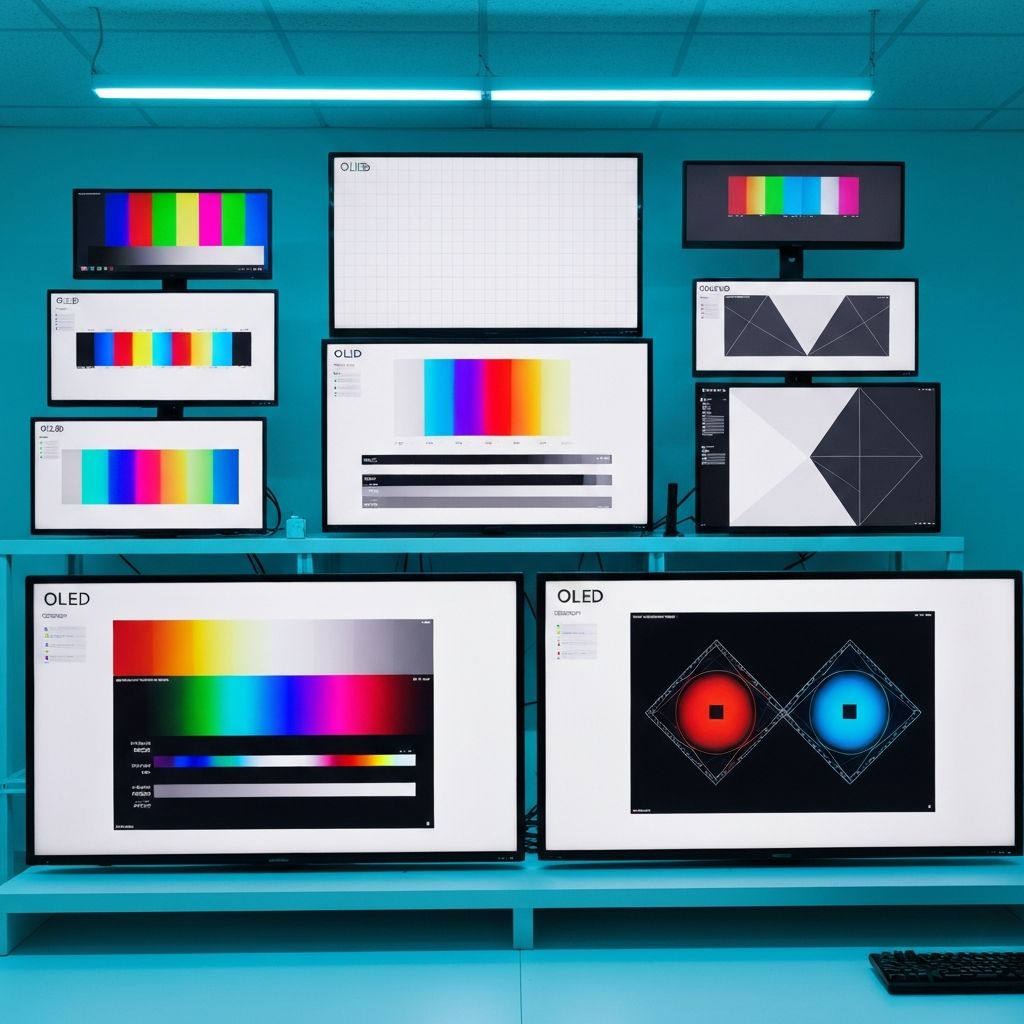
Professional Test Patterns
The same patterns used by display experts and TV reviewers worldwide
OLED Gray Test FAQ: Burn-In, Uniformity and Display Checks
Common questions about our free online OLED test, OLED uniformity test, burn in detection, and how to use our burn in checker
Still have questions?
We're here to help. Reach out and we'll get back to you as soon as possible.
Contact UsStart Free OLED Test & OLED Uniformity Test Now
Use the free burn-in checker and OLED uniformity test before display issues become difficult to see. Review gray levels and fullscreen patterns in about 30 seconds.
No download. No signup. Works on all OLED devices.
What you'll discover:
- Detect hidden burn-in damage
- OLED uniformity test included
- Test all brightness levels
- Get professional-grade results
- Works on any OLED device